Custom-built PC vs Prebuilt: When Each Option Really Makes Sense
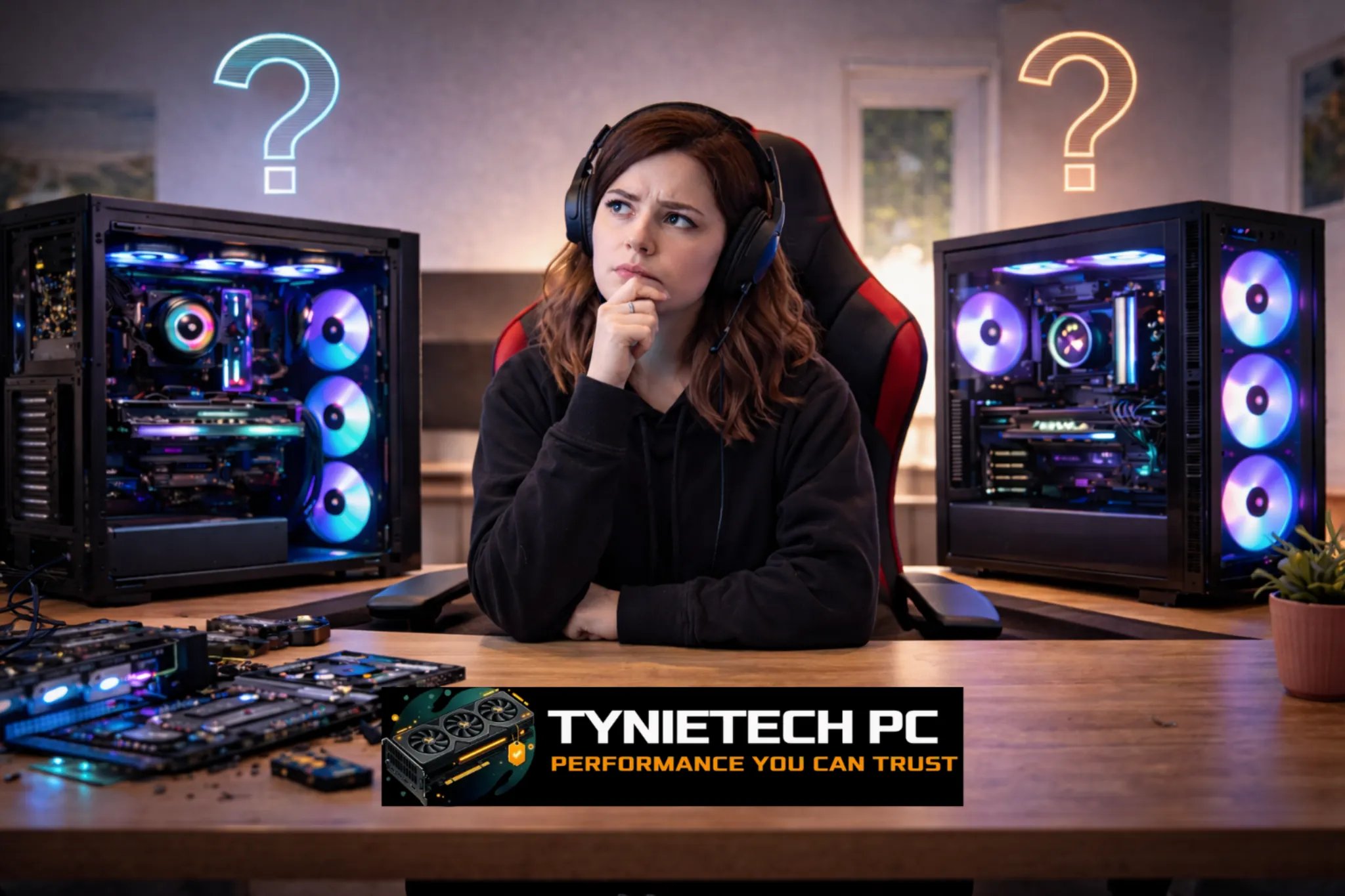
Deciding whether to build your own PC or buy one that's already put together is a common choice for gamers, professionals, and everyday users alike. This guide will help you weigh the pros and cons of each option, focusing on costs, performance, ease of upgrades, reliability, and long-term value. We’ll use up-to-date market insights and industry standards to guide you in making a confident decision. If you're leaning towards a custom setup, check out our custom-built computers service for expert assembly and testing.
1. Why the Gap Between Custom Builds and Prebuilts is Narrowing
Stabilizing Component Prices
In recent years, the prices of GPUs and memory have been all over the place, but by early 2026, things settled down. Popular GPUs like NVIDIA's RTX 4070 and AMD's RX 7800 XT are now more accessible and closer to their standard prices. This means the cost advantages of building your own PC have lessened, making some prebuilt options just as cost-effective.
This stability changes the game for buyers. Instead of hunting for discounted parts, many now compare prebuilt systems directly with the cost of building from scratch. As a result, manufacturers are offering more competitive deals and promotions, especially during sales.
Bulk Buying Power of OEMs
Larger manufacturers buy components in bulk, passing some savings to customers. This is why a ready-made RTX 4070 gaming PC from a major brand might be priced just a bit higher than if you were to build it yourself. This bulk buying means you get tested hardware, warranties, and a ready-to-use system, saving you the time and effort of assembling and troubleshooting.
For those who value convenience, these savings make a strong case for prebuilt systems. You get everything ready to go, often with warranties that solo builders can't offer. This is especially appealing if you're balancing a tight budget with limited free time.
Customizable Prebuilts
Many vendors now offer online tools where you can tweak your prebuilt system much like a custom build. This reduces the gap in customization options, allowing you to choose everything from storage upgrades to GPU swaps, bringing the flexibility of DIY builds to prebuilts.
These options make prebuilts attractive for those who want a personalized system without the risk of assembly errors. The convenience of ready-to-go systems, paired with customization flexibility, offers a strong value for many buyers.
2. Comparing Costs: What's the Real Expense?
Initial Costs vs. Full System Pricing
Building your own PC used to be cheaper if you carefully sourced your parts. But by January 2026, the price gap between mid-tier DIY builds and similar prebuilts shrank to less than 8%. Sometimes, prebuilts might even be cheaper. When considering the full cost, remember to factor in time, warranty, and support.
Also, think about hidden costs like tools, potential return shipping, and the time needed for assembly and troubleshooting. For first-time builders, these extra costs might make a prebuilt system more economical.
Time, Labor, and Expertise
Building a PC takes time and a bit of a learning curve. If you value your time or worry about making assembly mistakes, paying more for a ready-made system—or having it professionally assembled—can be worth it.
Local services and boutique builders offer assembly for a fee, bridging the gap by providing a tailored product without the risk of incorrect assembly.
Long-term Costs: Upgrades and Part Reuse
Custom-built systems are often easier to upgrade or reuse parts from. If you plan to swap components like GPUs, add more storage, or reuse cases and power supplies, DIY offers the lowest long-term costs for performance gains. However, many prebuilts now feature modular designs that make upgrades easier, narrowing the long-term cost difference.
For those who keep their systems for five years or more, the flexibility to upgrade selectively means DIY might offer better total cost of ownership. If you prefer predictable maintenance costs and bundled support, a prebuilt could be a better fit.
3. Performance: Power and Balance
Choosing Parts for Peak Performance
One of the biggest perks of a custom build is picking every part to match your performance goals. You can select the CPU, motherboard, RAM, and GPU to max out benchmarks for gaming, content creation, or work tasks.
Balancing these parts helps avoid bottlenecks and delivers real-world performance gains that some prebuilt packages might not optimize for.
Performance Tuning in Prebuilts
Prebuilt systems have improved with better system tuning. Manufacturers often perform stress testing, BIOS optimization, and cooling checks before shipping. These quality checks reduce early hardware failures and offer a reliable high-performance experience right out of the box.
Manufacturers targeting gamers and creators often include optimized firmware and validated drivers, which can be especially useful if you want a plug-and-play system without manual setup.
Thermal Management and Case Design
Custom builders can focus on cooling and acoustics by choosing cases and airflow layouts that meet their thermal needs. A well-designed custom build can outperform a similar prebuilt if you avoid thermal throttling with optimized airflow and part placement.
However, many modern prebuilts now come with better case designs, modular airflow solutions, and even factory-installed liquid cooling options, making thermal performance less of a DIY-only feature.
4. Customization, Looks, and Special Needs
Freedom in Aesthetics and Modular Builds
If looks matter to you—like custom RGB lighting or unique case mods—DIY is the way to go. Modular components and 3D-printed accessories mean you can get creative with your machine's appearance.
Boutique services let you mix aesthetic freedom with professional assembly if you want. This approach is popular for enthusiasts who want a polished look without the time investment.
Eco-friendly and Sustainable Choices
Eco-friendly components are gaining traction. Around 27% of builders and vendors now offer sustainable options like recyclable cases, low-impact packaging, and energy-efficient power supplies. If sustainability is important to you, a custom build lets you pick these components yourself.
Some prebuilt vendors also offer eco-conscious lines, but custom builds still offer the most control over environmental impact throughout the system's lifecycle.
Specialized Builds: Workstations, AI, and Compact PCs
Certain professional tasks—like 3D rendering or machine learning—need specific hardware. Custom builds allow you to choose multi-GPU setups, ECC memory, or high-grade NVMe arrays. These options might be limited in mainstream prebuilts, making DIY or boutique assembly the better choice for niche needs.
However, with AI and optimized workstation prebuilts on the rise, you can often find tested systems for professional tasks without the risk of mismatched parts. For advanced hardware needs, consult industry experts when planning your purchase.
5. Upgradeability and Future-Proofing
Motherboard, Power Supply, and Upgrade Paths
Custom builds usually offer the best upgrade paths because you can pick a motherboard and power supply with room for future upgrades. A solid PSU with extra wattage and modular cables, plus a motherboard with multiple M.2 slots and PCIe lanes, makes upgrades simple and cost-effective.
While some prebuilts limit your choices with proprietary parts or cramped designs, many modern prebuilts now focus on modularity and standard components to improve upgrade options.
Compatibility Challenges and Vendor Limits
Prebuilts sometimes use custom connectors or unique layouts that make upgrades tricky. If you plan to upgrade a prebuilt, check for spare physical space, mounting compatibility, and BIOS support before buying new parts.
If you want unlimited upgrade flexibility over the years, a custom build reduces the chance of hitting proprietary limits. If you prefer vendor-managed upgrades, prebuilt systems from reputable brands can still offer structured paths for upgrades.
Keeping Your System Current
Future-proofing means choosing components and a case that support multiple upgrades. For example, picking a high-quality ATX case with good airflow, a PSU with a Gold rating, and a motherboard that supports future CPUs offers the best longevity for custom builds.
Prebuilts can last long if the vendor designs the system with headroom and compatibility in mind. Always check upgrade policies and available service parts to ensure you can maintain and expand the system over time.
6. Support, Warranty, and Reliability
Comparing Warranties
Prebuilts usually come with a single warranty covering the whole system, making claims and service simpler. Custom builds rely on individual part warranties, which can be more flexible but require dealing with multiple vendors if something breaks. Weigh the convenience of a single warranty against the flexibility of part-level coverage.
If you want quick service and minimal hassle, prebuilt systems with on-site or depot service are appealing. If you’re okay with dealing with RMAs and shipping parts, component warranties might work for you and can sometimes be cheaper.
Local Repair and Service Benefits
Having a reliable local repair shop is helpful whether you buy prebuilt or custom. Our shop offers support for both prebuilt troubleshooting and custom assembly maintenance.
For instance, if you're in Boston, working with a local provider helps with faster repairs and in-person diagnostics. Consider professional maintenance and tune-ups from services such as computer maintenance services to keep your components in top shape.
Quality Assurance in Prebuilts
Prebuilts benefit from factory quality checks, reducing early failures and compatibility issues that first-time builders often face. For many, this reliability is worth a bit extra.
Custom builders can mimic these checks by using reputable parts and performing stress tests after building. If you prefer not to handle this yourself, consider a boutique builder who does these tests and provides a warranty for assembled systems.
7. Real-World Examples and Case Studies
Boutique Builders and Hybrid Options
Companies like NZXT BLD, Origin PC, and Maingear offer a mix of custom builds and prebuilt convenience. You pick the parts, and they handle the rest. This approach has grown popular among those wanting a custom rig without the assembly work.
Local shops doing the same combine part selection with hands-on assembly, ideal for users who want customization and local support. These hybrids are great for professionals who can't risk downtime and need guaranteed performance from the start.
Buying for Business
For small businesses, prebuilt workstations simplify buying, warranty tracking, and vendor management. Prebuilts offer centralized support, which is key for business continuity. But for specific compute tasks, custom builds or vendor-configured workstations are still competitive.
Boston businesses often balance these options depending on their IT needs. Prebuilts help manage IT environments with consistent maintenance, reducing admin work.
Local Shops Adapting
Local PC shops have adapted by offering assembly, consultations, and upgrade kits, blending the best of both worlds. They add value by checking compatibility, tuning performance, and offering local warranty support.
Using a nearby shop is smart when you want expert advice or need quick repairs. An in-person consultation can help avoid costly compatibility mistakes.
8. AI, Memory Shortages, and Industry Risks
AI in System Configurations
Artificial intelligence is being used more in system configuration and performance tools, helping users automate setup and maintenance. AI simplifies choices like RAM capacity, GPU configuration, and storage for specific tasks, making it easier to get the right hardware for your needs.
But AI also increases demands for memory and specialized hardware. Shortages can drive prices up, creating market fluctuations that affect both prebuilts and custom builds.
Memory Supply Challenges
The 2024–2025 global memory shortage showed how a supply issue can impact prices across the board. When memory is tight, both prebuilts and DIY builders face higher costs or longer wait times. Monitor updates and consider flexible setups that allow for component swaps.
For technical buyers, keeping an alternate parts list and a flexible timeline can reduce supply risks. For those less comfortable with swaps, prebuilt vendors may offer managed allocations and delivery windows for a higher price.
Planning for Market Changes
Inflation and economic trends affect how willing people are to spend on tech. Past inflation spikes led to less spending, showing how timing and planning matter when buying high-end gear. Monitoring economic indicators helps plan purchases to avoid high prices.
For more on recent inflation trends and economic effects, check out the U.S. Bureau of Labor Statistics for data on consumer price changes over time.
9. Making the Right Choice for You
When to Choose a Custom-built PC
Go for a custom build if you want full control over parts, efficient upgrades, specialized components for work, or prioritize aesthetics. It's also ideal if you plan multiple upgrades and want to reuse parts.
Be ready to invest time in research and assembly, or consider professional help if you prefer.
When to Go for a Prebuilt System
Pick a prebuilt if you want convenience, warranty coverage, reliable testing, and quick setup. They’re great for first-time buyers, busy professionals, and businesses needing standardized systems.
When buying a prebuilt, look for vendors offering configuration options and good warranty terms if customization is important to you.
Mixing Both Approaches
Consider hybrid strategies like buying a prebuilt and upgrading later, purchasing parts and hiring a local shop for assembly, or using a boutique builder for a custom spec with warranty. These hybrids offer convenience and customization as the market evolves.
For expert help with hybrid approaches, consider services that verify compatibility and test post-assembly to ensure stability.
10. FAQs and Troubleshooting
Is Building a PC Still Worth It?
Building a PC is financially worth it if you want long-term upgrade flexibility and want to maximize performance per dollar. But with price gaps often under 8% for similar systems, prebuilts can be just as cost-effective when you factor in time and support. Decide based on how you value time versus control.
If unsure about assembly, budget for professional help or pick a boutique builder offering parts selection and warranty.
Common Issues for New Builders
New builders often face problems like no-POST, wrong wiring, incompatible memory speeds, and BIOS settings. Troubleshoot by reseating parts, checking power connections, consulting manuals, and updating BIOS. For ongoing issues, professional diagnostics can save time and avoid damage.
If you need help with startup errors or ensuring stable operation, local services like virus and malware removal and diagnostic testing can help solve software-related issues and streamline troubleshooting.
Planning Upgrades Without Wasting Money
Plan upgrades by choosing a case, motherboard, and PSU with future components in mind. Focus on parts that are harder to replace—like the power supply and motherboard—by picking quality now to avoid future bottlenecks. Keep a parts checklist and budget for upgrades to maintain performance.
Regular maintenance and timely upgrades can extend a machine's life. Local maintenance services can help keep the system running well over time.
11. Wrapping Up and Moving Forward
Takeaways
In 2026, choosing between custom-built and prebuilt PCs isn't as clear-cut. Prices have evened out, prebuilts have closed the cost gap, and modular options have reduced DIY advantages. Custom builds still lead in control, personalization, and upgrade options, while prebuilts win in convenience and reliability.
Your best choice depends on your priorities: budget, time, upgrade plans, and willingness to troubleshoot. Compare your needs against the trade-offs discussed here to decide.
How Tynietech PC Can Help
Whether you want a custom machine or a reliable prebuilt, Tynietech PC offers services for both in Boston and remotely. We handle assembly, testing, and local maintenance. Check out our hardware upgrades and on-site support to keep your system running smoothly.
If you're unsure whether to build or buy, start with a consultation. We can help you weigh options, create a parts list, and manage assembly or vendor coordination to ensure your system meets your needs.
Next Steps
Ready to decide or need help? Contact Tynietech PC for a free consultation at 619-857-7735 or email us at tyni2950@gmail.com. Learn about keeping your computer safe with our security tips, and when you're ready, book a build or service through our website. Trust local experts to help you get the most from your next PC purchase.
Further Reading
For more on hardware and market conditions, check out resources like Computer hardware on Wikipedia and economic indicators from the U.S. Bureau of Labor Statistics. For AI hardware trends, industry publications like IEEE Spectrum explore how AI workloads influence component demand and design decisions.