Introduction
Maintaining your personal computer (PC) is crucial for ensuring its performance, lifespan, and security. Regular upkeep can prevent common issues and minimize the need for professional repairs. In this guide, we will explore effective ways to care for your PC and recognize when it’s time to seek expert assistance.
1. Latest Trends in PC Maintenance
Technology is advancing rapidly, and so are the methods for maintaining PCs. Here are some of the latest trends:
- Predictive Maintenance with AI: Artificial Intelligence is changing the game by analyzing performance data to predict hardware failures before they happen. This proactive maintenance can reduce unplanned outages by up to 50%, allowing for timely scheduling. Learn more about AI in maintenance.
- Centralized Asset Management: Companies are now using centralized platforms to track device locations, warranties, service histories, and replacement timelines in real-time, ensuring efficient management of multiple devices. Read about centralized management.
2. Expert Insights on Best Practices
To keep your PC running smoothly, consider these expert recommendations:
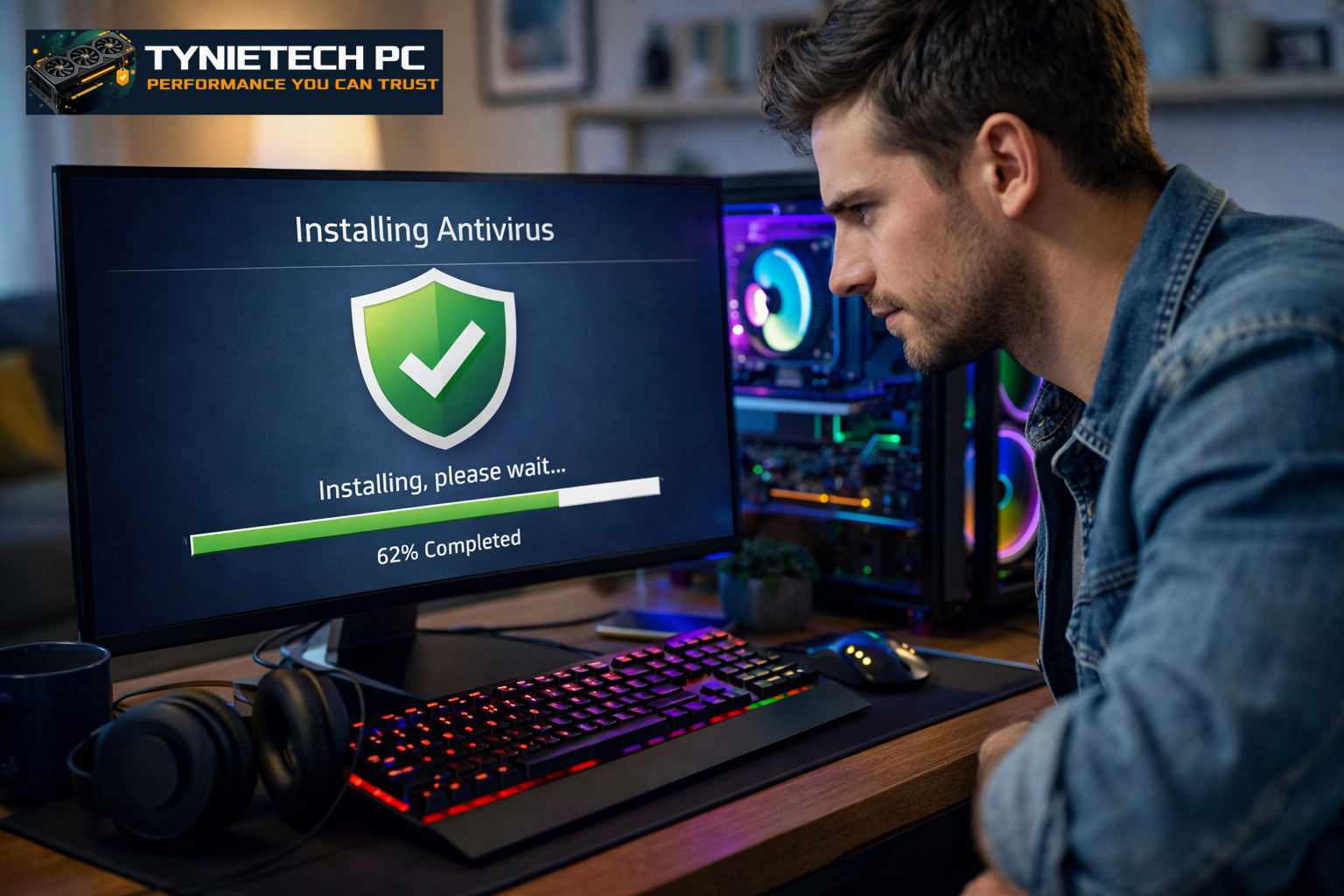
- Regular Software Updates: Keeping your operating system and software up to date is essential for both security and performance. For example, Microsoft’s January 2026 Patch Tuesday addressed over 100 vulnerabilities in Windows systems. See the details here.
- Data Backup: Always back up important documents and files to protect against data loss from hardware failures or cyber incidents.
- Hardware Maintenance: Regularly clean your PC to remove dust and debris that can cause overheating and hardware damage. Ensuring proper ventilation is key.
3. Understanding Security Vulnerabilities
Staying informed about security vulnerabilities is vital. In January 2026, Microsoft addressed 114 vulnerabilities, including critical flaws. Read more about these vulnerabilities.
4. Signs Your PC Needs Professional Repair
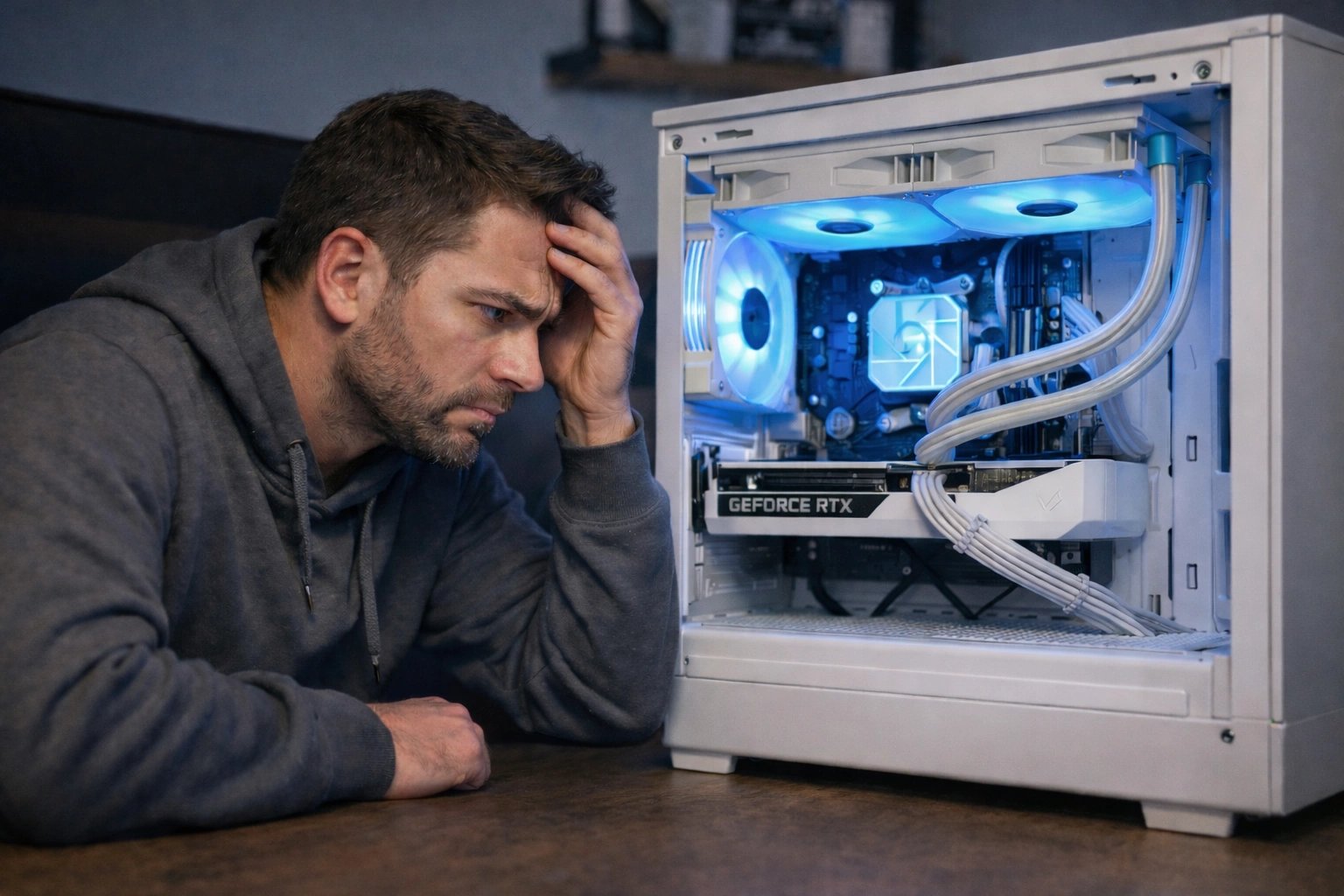
It's essential to recognize when your PC may require professional help. Look out for these signs:
- Frequent crashes or freezes
- Unusual noises coming from the hardware
- Significantly slow performance
- Hardware malfunctions or error messages
5. Common Questions About PC Maintenance
Here are some frequently asked questions:
- How often should I update my software? Enable automatic updates for your operating system and software to ensure timely installations of security patches.
- What are the signs that my PC needs professional repair? Look for frequent crashes, slow performance, unusual noises, or hardware malfunctions.
6. Local PC Repair Services in Boston
Boston has several reputable PC repair services. For instance, Techie Town Boston offers comprehensive IT support and electronics repair, focusing on proactive maintenance and cybersecurity. Similarly, Dumb Computer Repair specializes in virus removal and slow computer fixes.
7. Understanding the PC Repair Industry
The PC repair industry is adapting to advancements in technology. Companies like Techie Town Boston and CEDROPHOENIX IT Services are leading the way by providing tailored solutions to meet the growing demand for reliable computer maintenance.
8. Conclusion
By following these maintenance practices and staying informed about the latest developments, you can keep your PC in optimal condition. If you experience any of the issues mentioned, don’t hesitate to reach out for professional help. For expert computer maintenance services, contact Tynietech PC today!